
The flight simulator for team dynamics.
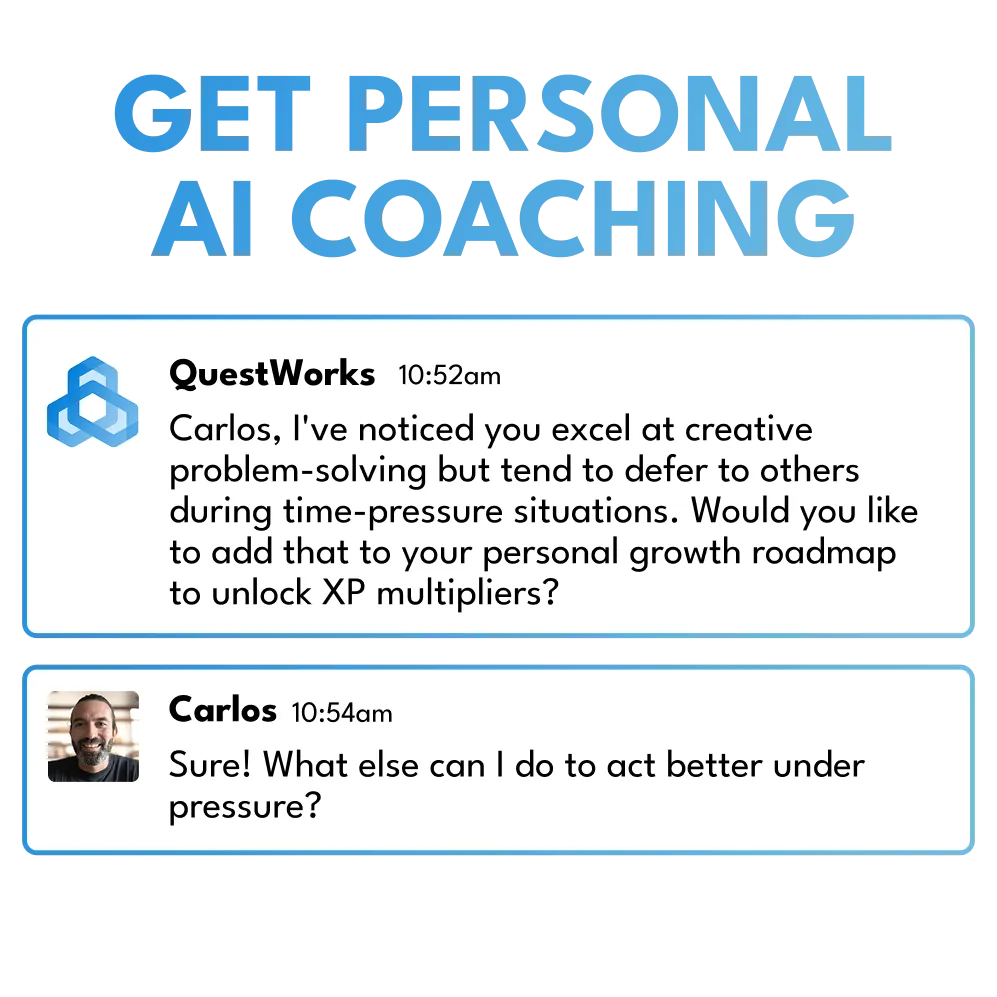
Surface strengths, pressure-test teamwork, and catch friction before it costs you—powered by an AI-driven team RPG that evolves with your crew.



Compatible with:


and more!
My team collaborates from a place of genuine understanding now, not just expectations set by a job description.

Danielle
COO
Every time there’s a team building exercise, everyone rolls their eyes. But QuestWorks feels like an actual break in the day.

Stetson
Designer
The sessions open doors to better communication and a deeper understanding of each other’s strengths.

Kellie
People Ops Director, SHRM-CP
100% recommendation rate
Every player and every leader who’s tried QuestWorks recommends it to their team.
I’m completely new to anything like this, and it’s intuitive and incredibly easy to pick up.

Cory
Developer
Understanding my team’s natural reactions and instincts helps me be a more effective mentor. It deepens relationships and builds emotional safety.

Sabrina
Creative Director
I see sides of my teammates I wouldn’t have anticipated. I truly look forward to each session.

Jonny
Software Engineer
Pilot results
30% improvement in team dynamics in 30 days
Measured across collaboration, communication, and trust before and after QuestWorks sessions.
It’s a genuinely interesting alternative to team building that reveals things about the team no meeting ever would.

Rudy
CTO
This is awesome. You just show up, no prep, just improv. It makes it easy to fit into the day.

Jordan
Product Marketer
For our fully remote team, QuestWorks is a refreshingly unique opportunity to build trust and get to know each other in a richer way.

Zontee
Director
25 minutes per session
Fits between standups. No prep, no scheduling headaches, no half-day commitments.
My team and I build a story together that’s completely ours, and it brings out a side of our dynamic we hadn’t seen before.

Sebastian
Copywriter
It’s a real morale boost for our team. We get to break away from the day-to-day, express our creativity, and laugh together.

Jeni
Operations Manager
It’s like watching a real-time simulation of how we actually work together.

Caitlin
Project Manager
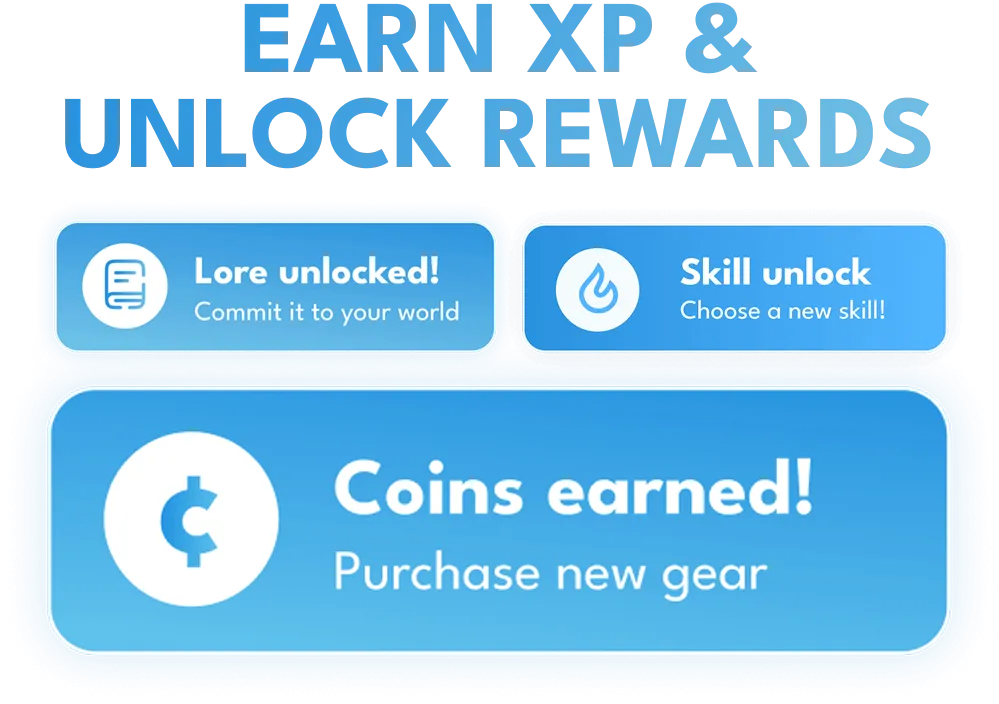
Instantly reward growth with:


QuestWorks is a completely different experience. It surfaces how the team actually works together: who listens, who leads, who gives each other space.

Sallie
Analyst
QuestWorks gives my team an opportunity to safely fail. I find I’m closer to my team now because of it.

Justin
Project Manager
QuestWorks is my first time playing any kind of role-playing game. It’s a great way to have fun in a remote setting that actually feels like being in the same room together.

Dan
Developer
Make every session smarter with:








QuestWorks refreshes my energy and boosts my morale. The weekly sessions help me communicate better with my team.

Shahzaib
Analyst













OVERVIEW
No team should fly blind.
Conflict, trust, and feedback are high-stakes skills your team navigates every day. QuestWorks is their practice field.
⚔️ Teams quest
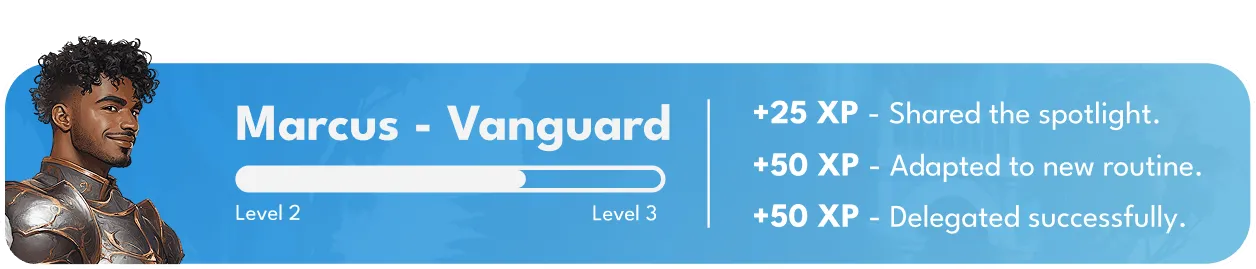
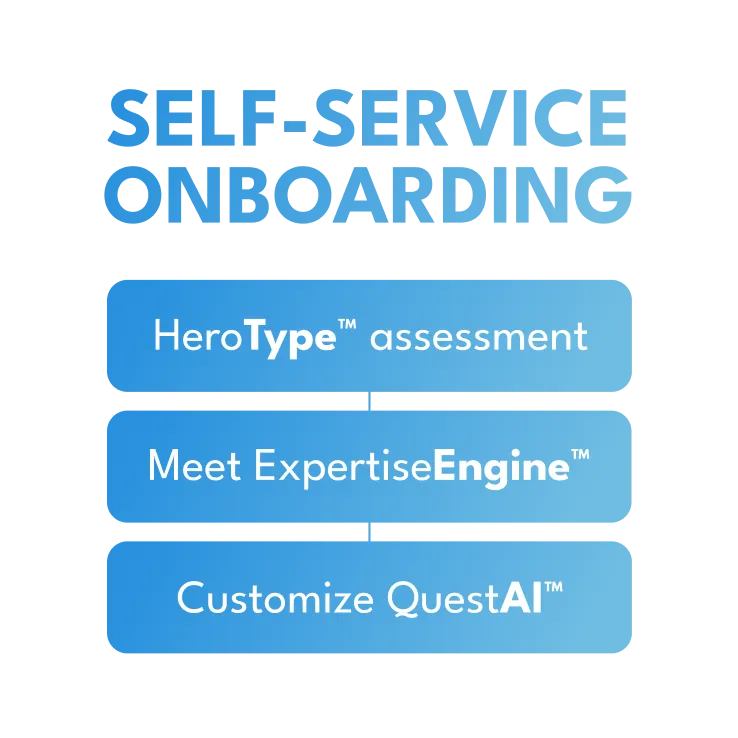
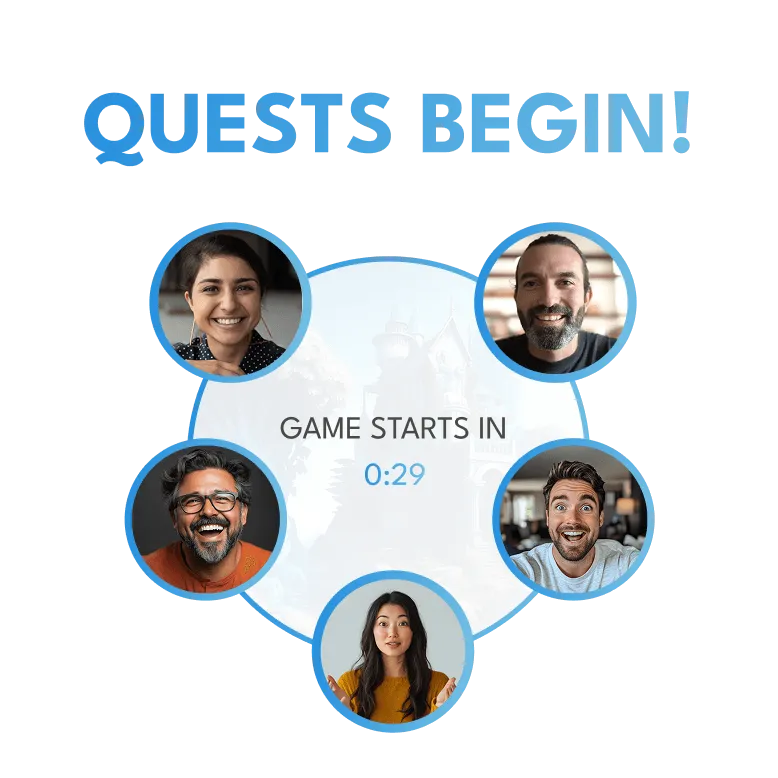
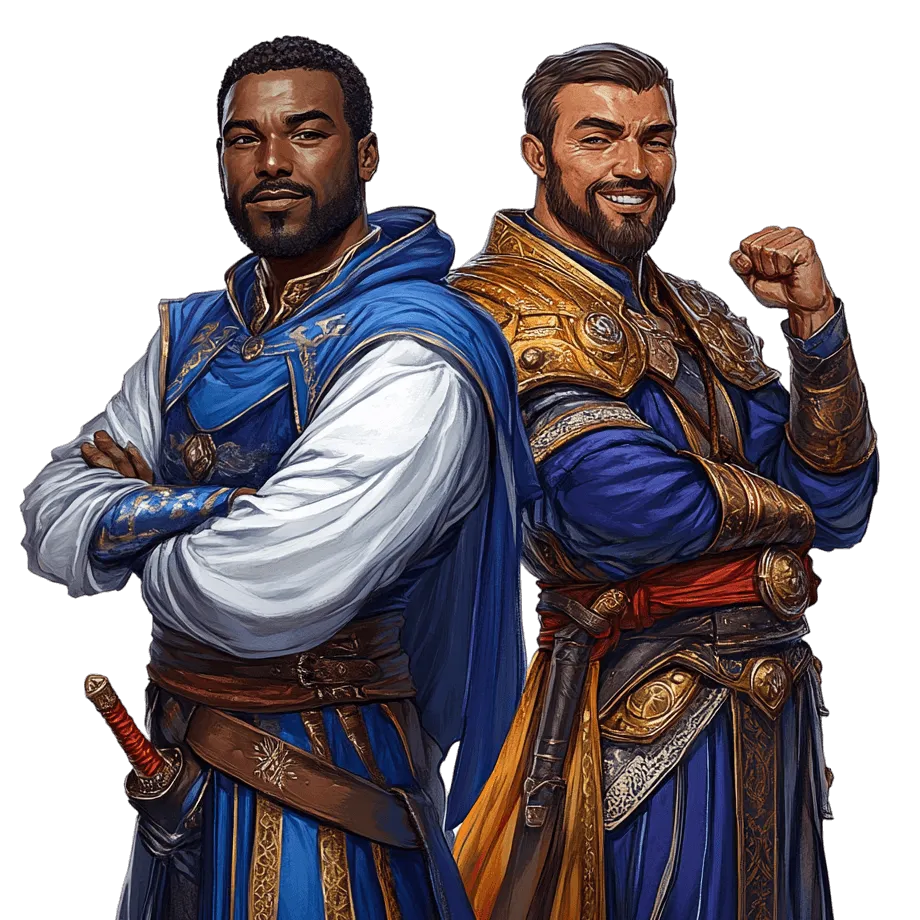
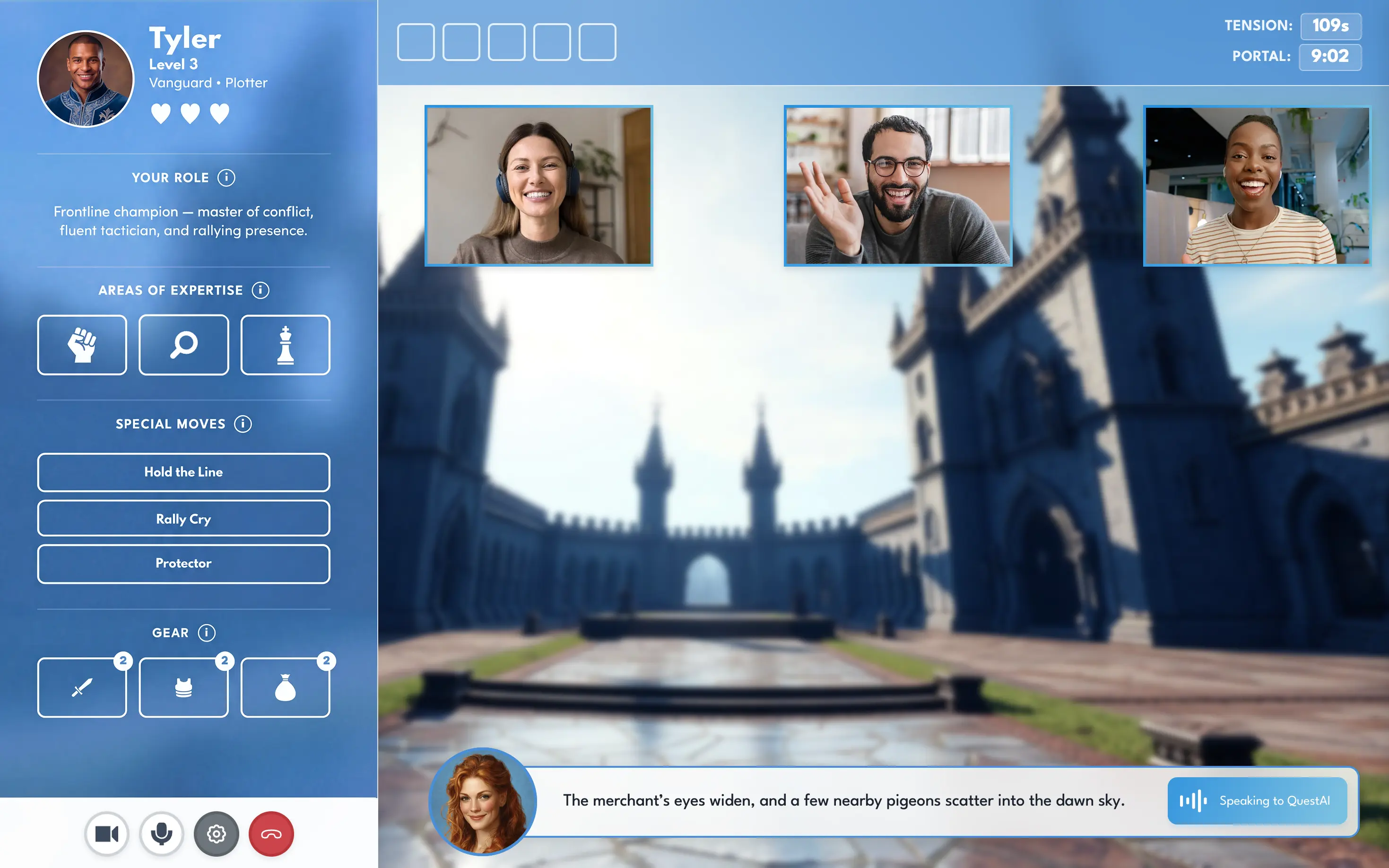
Real strengths become playable HeroTypes. Small groups drop into 25-minute cinematic adventures, auto-scheduled and AI-facilitated.
💡 Dynamics emerge
Open-ended quests reveal how your team communicates, leads, and handles conflict, without the pressure of performance or evaluation.
✨ They evolve
Insights shape new quests. Teams build worlds they care about. Strengths become second-nature. New hires belong instantly.
Make every quest smarter and track impact with aggregate insights from: